















Accurate, fast and secure email verification service
Verify email lists instantly — reduce bounces, clean data, and protect your sender reputation.
Ask AI about Email Awesome





© 2026 Email Awesome. All rights reserved.


Email confirmation and email verification are not interchangeable. One is primarily about a person completing an inbox action; the other evaluates technical and risk signals before a workflow relies on an address.
Email confirmation usually asks a recipient to take an action, such as clicking a link, to confirm a subscription or account step. Email verification checks address-level signals including format, domain, mail infrastructure, disposable patterns, and catch-all behavior. Neither is a universal guarantee of delivery, consent, inbox placement, or ongoing mailbox ownership.
When someone completes a confirmation action, it is evidence that someone with access to the inbox completed that action at that time. It can support a consent or account workflow when it is designed and recorded appropriately. It does not prove the address will remain reachable or that every future message is welcome.
Verification evaluates address and domain signals before an address is used in a send, CRM, enrichment job, or automation. It can identify clear issues and surface uncertainty. Catch-all and unknown outcomes should remain separate from clearly valid outcomes.
How to use the four Email Awesome results
Valid: The address passed available verification checks. It can follow workflow rules, while consent and engagement remain separate decisions.
Invalid: Available signals show a clear issue. Keep it out of active send flows and investigate the source when it came from a high-value form, CRM import, or enrichment process.
Unknown: The server did not provide a definitive signal, often because it limits or protects mailbox information. Treat Unknown as a review or recheck case rather than valid or invalid. Email Awesome does not charge for Unknown results.
Catch-all: A catch-all domain can accept broad address patterns, which is not enough evidence that a specific mailbox exists. Keep it separate from valid results and apply a policy that fits campaign purpose and risk.
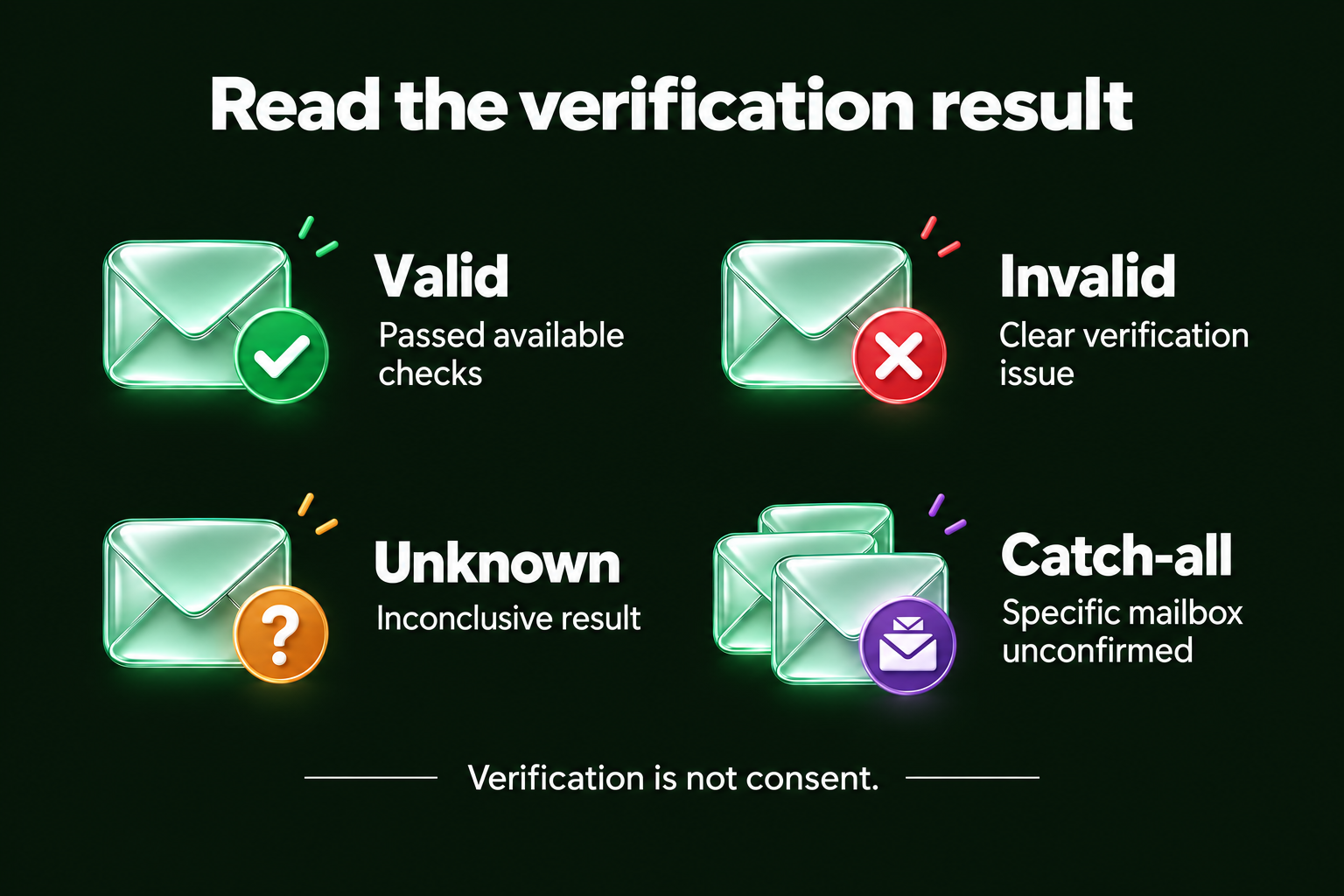
Read the result together with its limits: Valid means the available checks passed; Invalid indicates a clear verification issue; Unknown is inconclusive; Catch-all leaves the specific mailbox unconfirmed. None of these results establishes consent. Use the definitions above when routing each contact.
A confirmation click does not guarantee future delivery or engagement. A verification result does not guarantee inbox placement or consent. Record what each signal means and make proportionate decisions based on purpose, permission, risk, and sender policy.
Email Awesome helps teams evaluate email data before it enters a critical workflow. It complements, rather than replaces, a team’s consent and confirmation design. Use the returned status to route contacts with more context and keep uncertainty visible.
Check the most Frequently Asked Questions
Is email confirmation the same as email verification?
Does email confirmation prove an email address is valid?
What should I do with unknown or catch-all results?
Does Email Awesome guarantee inbox placement?
What does email verification actually check?
Accurate, fast and secure email verification service
Verify email lists instantly — reduce bounces, clean data, and protect your sender reputation.
Ask AI about Email Awesome