
Bulk email verification.
Better contact data.
Verify a single email or a bulk list.
Keep verified contacts organized and build better contact data in one place.
Ask AI about EmailAwesome





© 2026 EmailAwesome. All rights reserved.


A candidate record needs two separate checks: what the supplied evidence says about the role and what the email verification result says about the address.
Assumptions in the first message
Missing role evidence, stale contact details, or generic outreach can lead to messages that misrepresent the opportunity or the candidate's background. A valid email address does not establish suitability for a role.
A recruiter-reviewed first approach
Use supplied, job-relevant evidence to prepare the outreach review list. Verify authorized email addresses with EmailAwesome and keep missing information visible. Recruiters review the shortlist and message; verification does not make hiring decisions.

Compare the role brief with documented professional experience and skills. Mark evidence gaps and avoid assumptions about sensitive personal attributes.
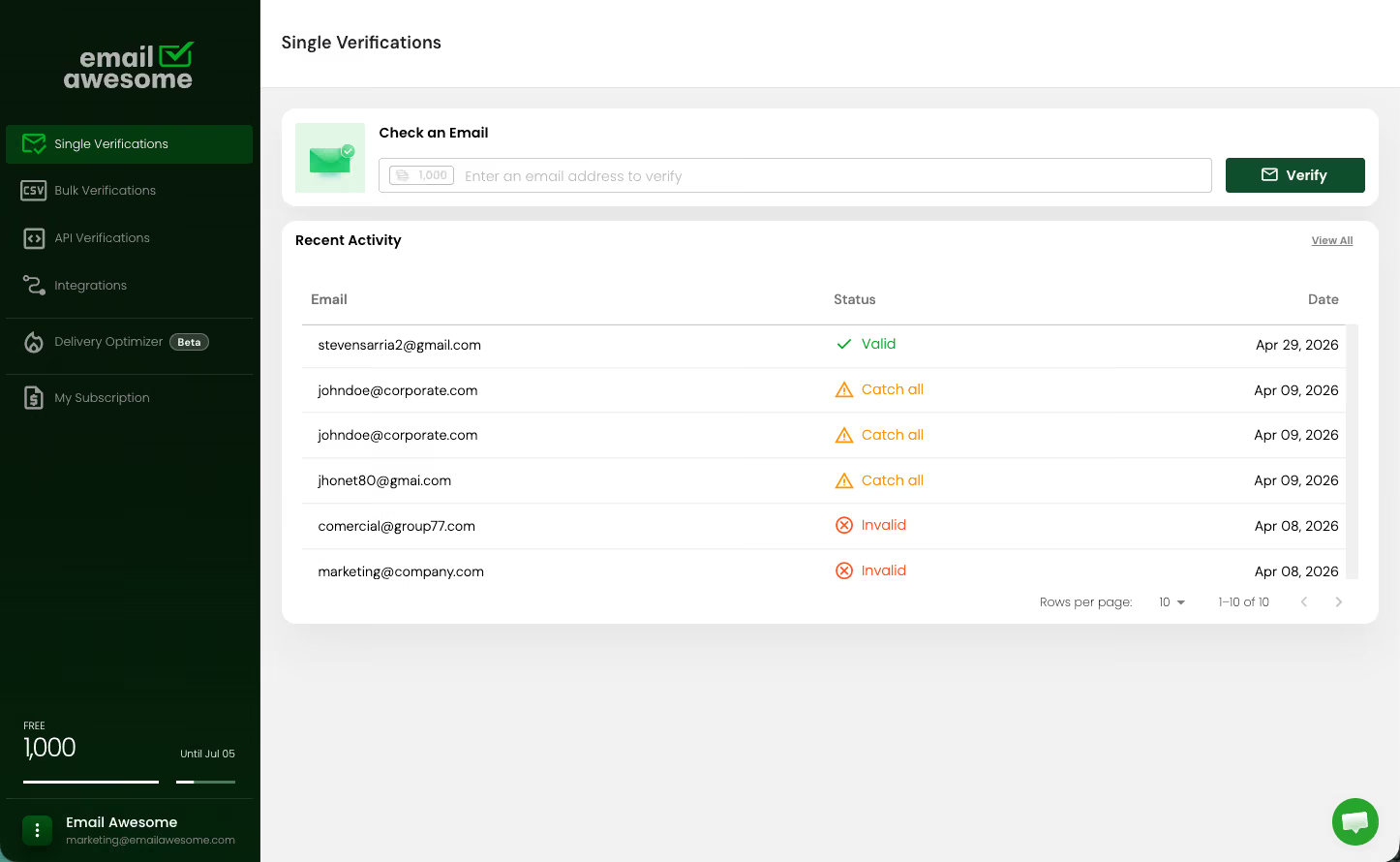
Verify the addresses you are authorized to process. Separate invalid and uncertain results before deciding which contacts can proceed to recruiter review.
Explain the role and the specific supplied evidence behind the outreach. Keep unverified claims out of the message and let a recruiter approve the wording and next step.
01
Bring the role brief, relevant candidate records, source details, and contact exclusions. This workflow does not discover private contact data or source candidates for you.
02
Record the job-relevant evidence available for each candidate, then verify the supplied addresses with EmailAwesome. Preserve VALID, INVALID, CATCH_ALL, and UNKNOWN results alongside any evidence gaps.
03
Prepare the outreach review list and first-message drafts with unresolved questions clearly marked. A recruiter decides whether to contact each candidate through the team's existing tools; no hiring decision is automated.
Match your supplied candidate list to the role, verify contact addresses with EmailAwesome and prepare a respectful first approach for review.
TRY A TASK
Copy a complete prompt. Paste it into your AI.
Skill instructions are free. A product account is required, and current usage limits apply. Copying a prompt does not install the skill or authorize payment. Use only your own or authorized data. Email verification does not establish consent or identity, or guarantee inbox placement. Review results before outreach.

4.5
1,000 free monthly validations

Successful verifications
Successful verifications
Successful verifications
Successful verifications
Successful verifications
Successful verifications
Accepted payment methods
Payments processed by Stripe.



The Email Deliverability Playbook
Identify what’s hurting your email deliverability. Review list quality, sender authentication, sending volume, and measurement with practical checklists for your next campaign.

Check the most Frequently Asked Questions
Does EmailAwesome find candidate email addresses?
Does a VALID email result mean a candidate fits the role?
What should a recruiter review before the first message?
Bulk email verification.
Better contact data.
Verify a single email or a bulk list.
Keep verified contacts organized and build better contact data in one place.
Ask AI about EmailAwesome