









Accurate, fast and secure email verification service
Verify email lists instantly — reduce bounces, clean data, and protect your sender reputation.
Ask AI about Email Awesome





© 2026 Email Awesome. All rights reserved.

A Zap has a trigger, an action and a destination. Validation slots in as the middle step.
Start from something that already happens: a new form submission, a new CRM contact, a new row in a sheet, a file dropped in a folder.
Drop validation into the workflow. The address is checked before anything downstream runs.
Use the returned status to branch: create the record, tag it for review, or stop the workflow entirely. This is the step most teams skip, and it's the one that does the work.
Each one has a setup walkthrough and answers to the questions that come up with that specific tool.
Trigger
Form entry
Validate
Email Awesome
DESTINATION
Your CRM
• Invalid addresses go to a review sheet instead of your list.
Trigger
File in Drive
Validate
Email Awesome
DESTINATION
Results sheet
• You see what you bought before anyone imports it anywhere.
Trigger
New contact
Validate
Email Awesome
DESTINATION
Tagged record
• Reps see data quality on the record before they sequence it.
The most common integration mistake is treating validation as pass or fail. Four statuses come back, and each deserves a different branch.
Status
Zap branch
Why
Valid
Continue as normal
The mailbox exists and accepted the check.
Invalid
Stop, or route to a review list
Creating the record is what causes the bounce later.
Catch all
Create, but tag it
Can't be confirmed, so it needs a different sending policy.
Unknown
Retry later
No definitive answer, and never charged.
Zapier and the API reach the same validation.
The difference is where your data enters and who sets it up.
Zapier
Forms, CRMs, spreadsheets and file drops: anything already running in your stack.
Anyone on the team. No engineering time and no code.
Inside a Zap, seconds after the trigger fires.
API
Signup, checkout or any field where a person is waiting for an answer.
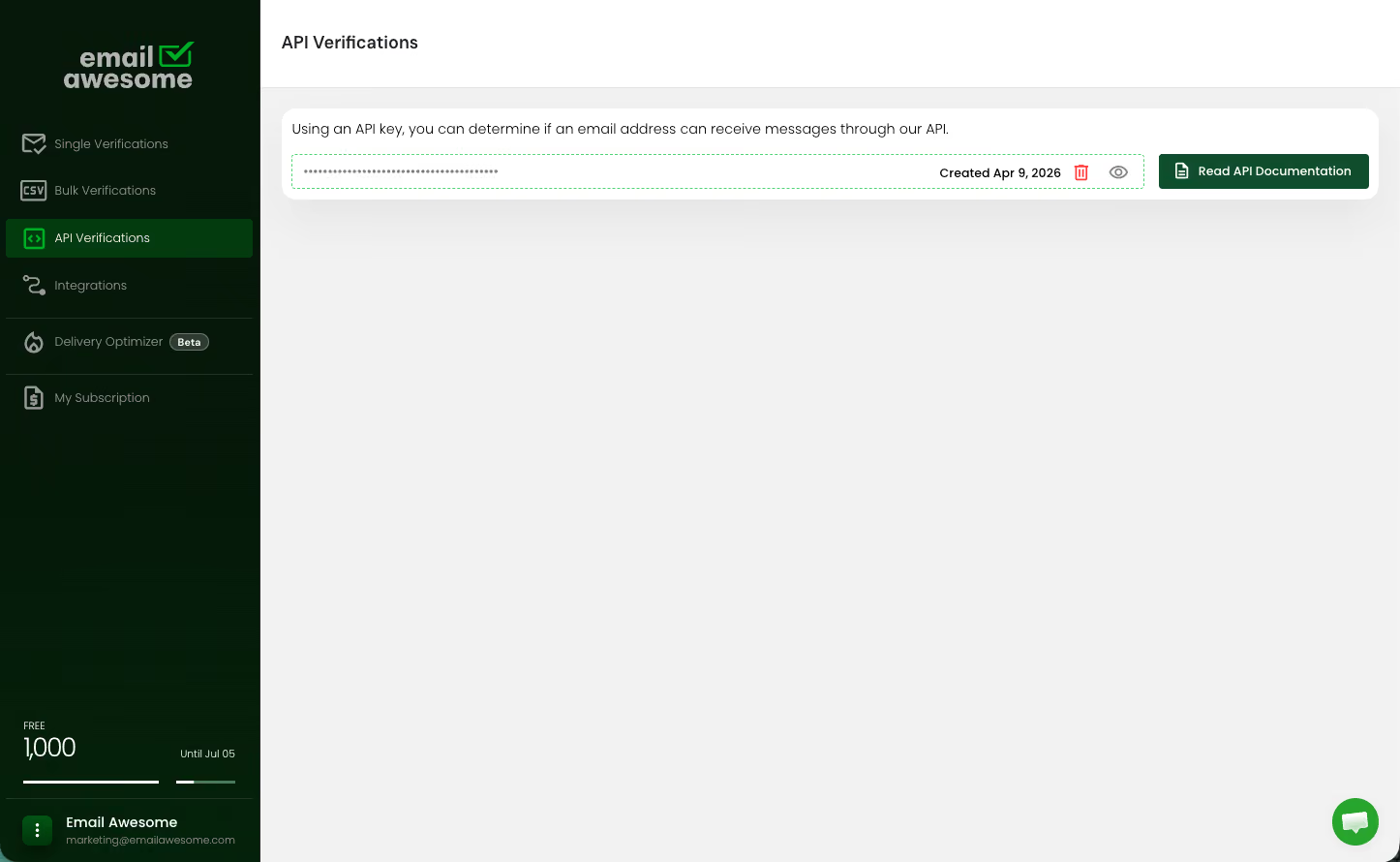
A developer, working against the API reference.
In your own code, fast enough to block a form submit.
Most teams end up using both
Zapier for operations, the API for the product.
FAQs
What integrations does Email Awesome support through Zapier?
Do Email Awesome integrations require code?
Which Email Awesome action should I start with?
Accurate, fast and secure email verification service
Verify email lists instantly — reduce bounces, clean data, and protect your sender reputation.
Ask AI about Email Awesome