
Bulk email verification.
Better contact data.
Verify a single email or a bulk list.
Keep verified contacts organized and build better contact data in one place.
Ask AI about EmailAwesome


© 2026 EmailAwesome. All rights reserved.

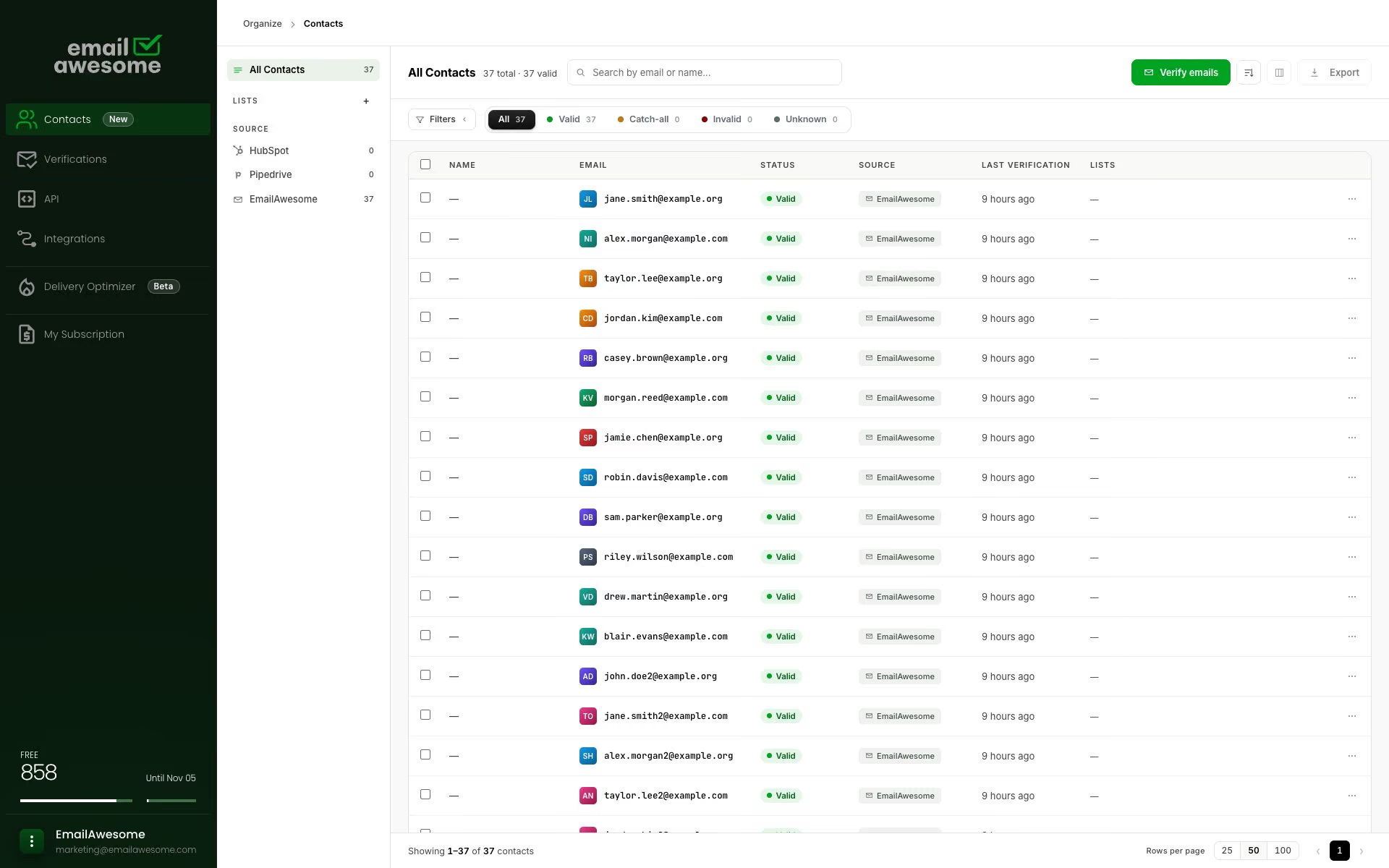
Search by email or name. Use the source and status filters to find the contacts you need.
Review verification status and organize the records you verify.
Contacts is not a supplied prospect database or an email sending platform.
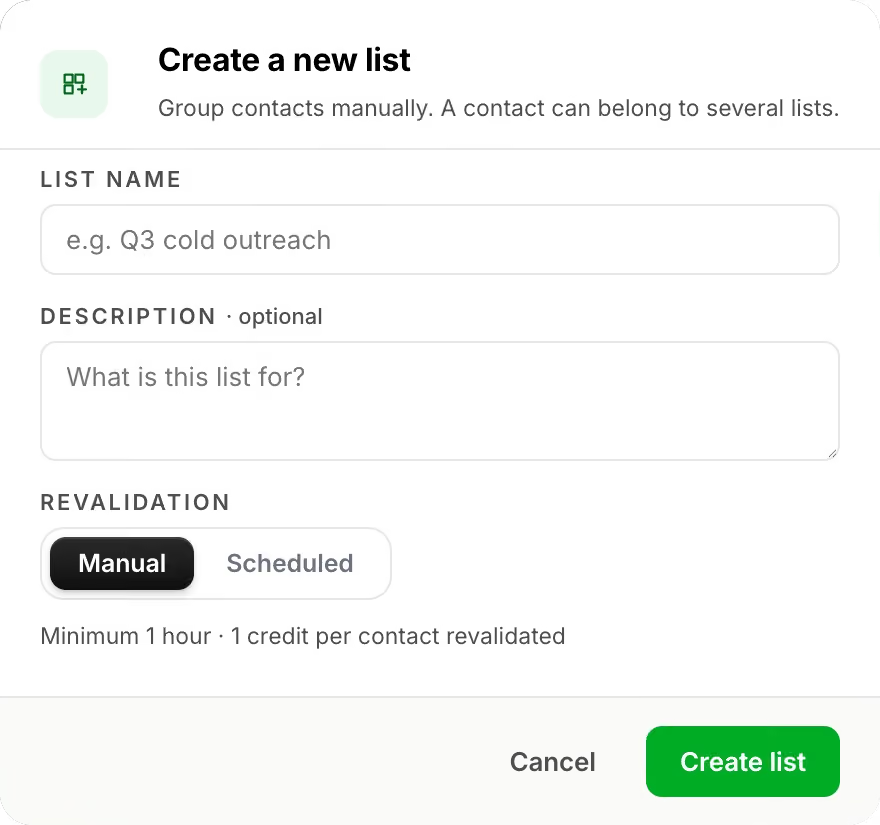
Create a named list for each campaign or follow-up. A contact can belong to several lists.
Check an address or upload a CSV through the verification flow.
Read the result and decide what needs a closer look.
Find valid contacts in Contacts and group them into lists.
FAQs
What is Contacts?
What happens to valid emails after verification?
Can I organize contacts into lists?
Is this a CRM or a prospect database?
Can I export from Contacts?
Bulk email verification.
Better contact data.
Verify a single email or a bulk list.
Keep verified contacts organized and build better contact data in one place.
Ask AI about EmailAwesome