

Accurate, fast and secure email verification service
Verify email lists instantly — reduce bounces, clean data, and protect your sender reputation.
Ask AI about Email Awesome





© 2026 Email Awesome. All rights reserved.

Email Validation API
One call at the point of entry: a signup form, a checkout, a CRM import, a background job. Email Awesome returns a usable status before bad data reaches anything downstream.
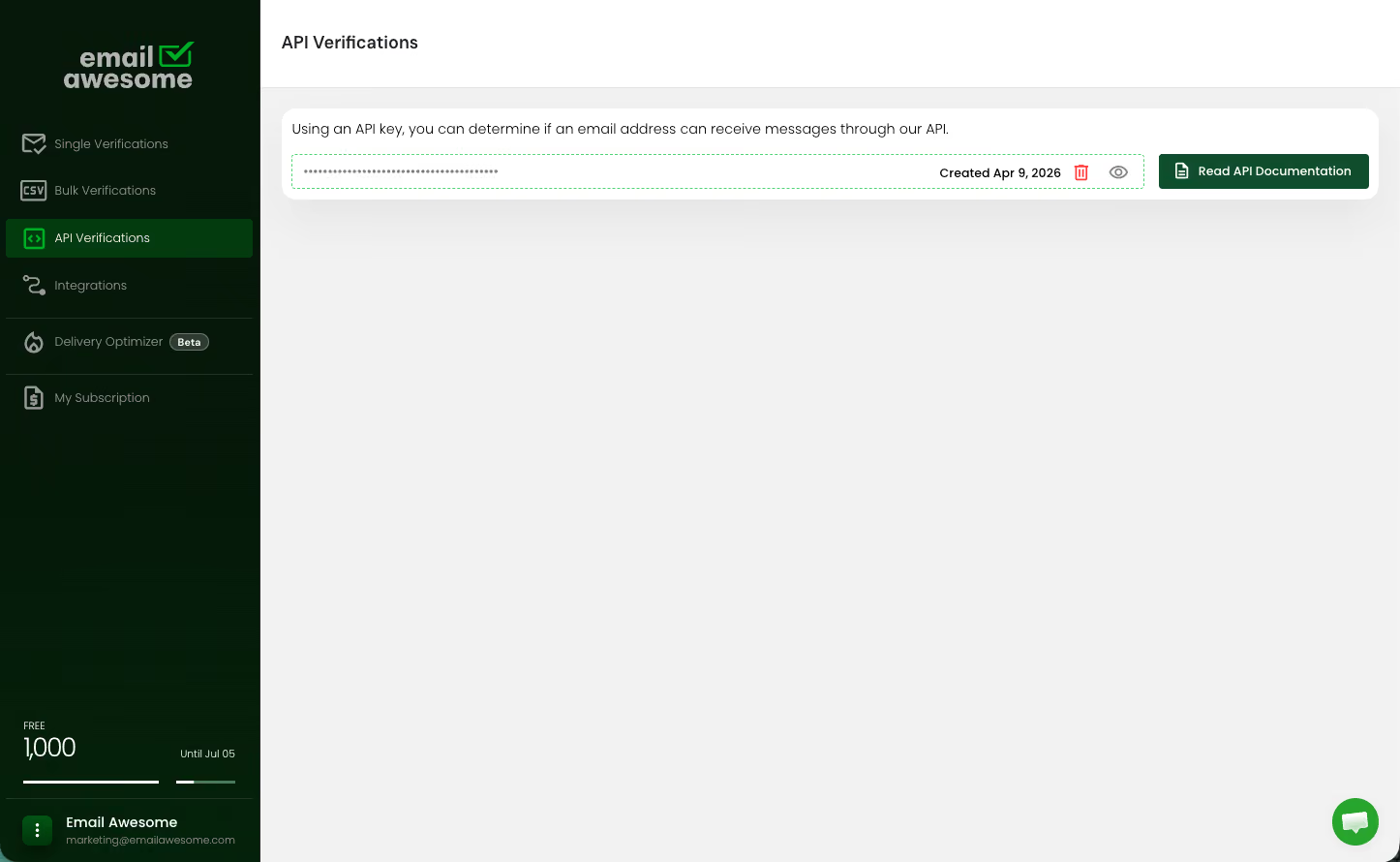
Every call returns a structured status you can act on: accept the record, block it, or hold it for review.
Status
What it means
Typical handling
Valid
Mailbox exists and the server accepted it.
Create the record and continue.
Invalid
Address doesn't exist or the domain can't receive.
Block at the form, or flag on import.
Catch all
Domain accepts anything, so the mailbox can't be confirmed.
Accept but tag for a separate sending policy.
Unknown
No definitive answer, usually greylisting or rate limiting.
Queue for retry. Never charged.
Manual cleanup works when the problem is a list. It fails when email data is moving through forms, products, CRMs, enrichment jobs and reports before anyone has time to inspect it.
Bad emails enter through forms, sync into CRMs, trigger automations, reach enrichment jobs and distort reporting. By the time someone notices, the address has touched several systems that now need correction, suppression or manual investigation.
Products, forms, CRM imports and background jobs check the address before it spreads, then use returned statuses to accept, block, flag, segment or review while the data is still close to the source.
Pick the mode that matches where the address enters. It's the one decision worth getting right before you write any code.
Zapier
Signup, checkout or any field where a person is waiting for an answer.
A developer, working against the API reference.
In your own code, fast enough to block a form submit.
API
Signup, checkout or any field where a person is waiting for an answer.
A developer, working against the API reference.
In your own code, fast enough to block a form submit.
Use it where a human is waiting: a signup form, a checkout, an in-product field. Keep a timeout and a fallback so a slow mail server never blocks a conversion.
The result arrives by webhook or is retrieved when ready. Use it for CRM imports, enrichment jobs and batch work where nothing is waiting on the answer.
Reject typos and throwaway addresses at submit, before the record exists. The highest-value placement and the easiest to ship.
Validate on ingest so a purchased list never lands in HubSpot or Pipedrive unchecked. Async fits here.
Re-verify ageing records on a schedule, so the database doesn't decay quietly between campaigns.
Submit the email address through the API from the form, product flow, CRM import or background job where the data first appears.
Use callback or workflow handling to process the final verification status when the check is complete.
Accept, block, flag, segment or review the address based on the returned status and the rules your system already uses.
FAQs
Is the API only for developers?
What statuses should my app expect?
Why use async verification?
Where should developers use the API?
What is an email validation API?
USE CASE
Connect Email Awesome to products, signup forms, CRMs, lead workflows, and background jobs with programmable verification.
01
Send the email address through the API at the point of entry
02
Receive a Valid, Invalid, Catch all or Unknown result
03
Accept, block, flag or review the address automatically
Best for:
Validating emails inside forms, CRMs or webhooks
Accurate, fast and secure email verification service
Verify email lists instantly — reduce bounces, clean data, and protect your sender reputation.
Ask AI about Email Awesome