Accurate, fast and secure email verification service
Verify email lists instantly — reduce bounces, clean data, and protect your sender reputation.
Ask AI about Email Awesome





© 2026 Email Awesome. All rights reserved.

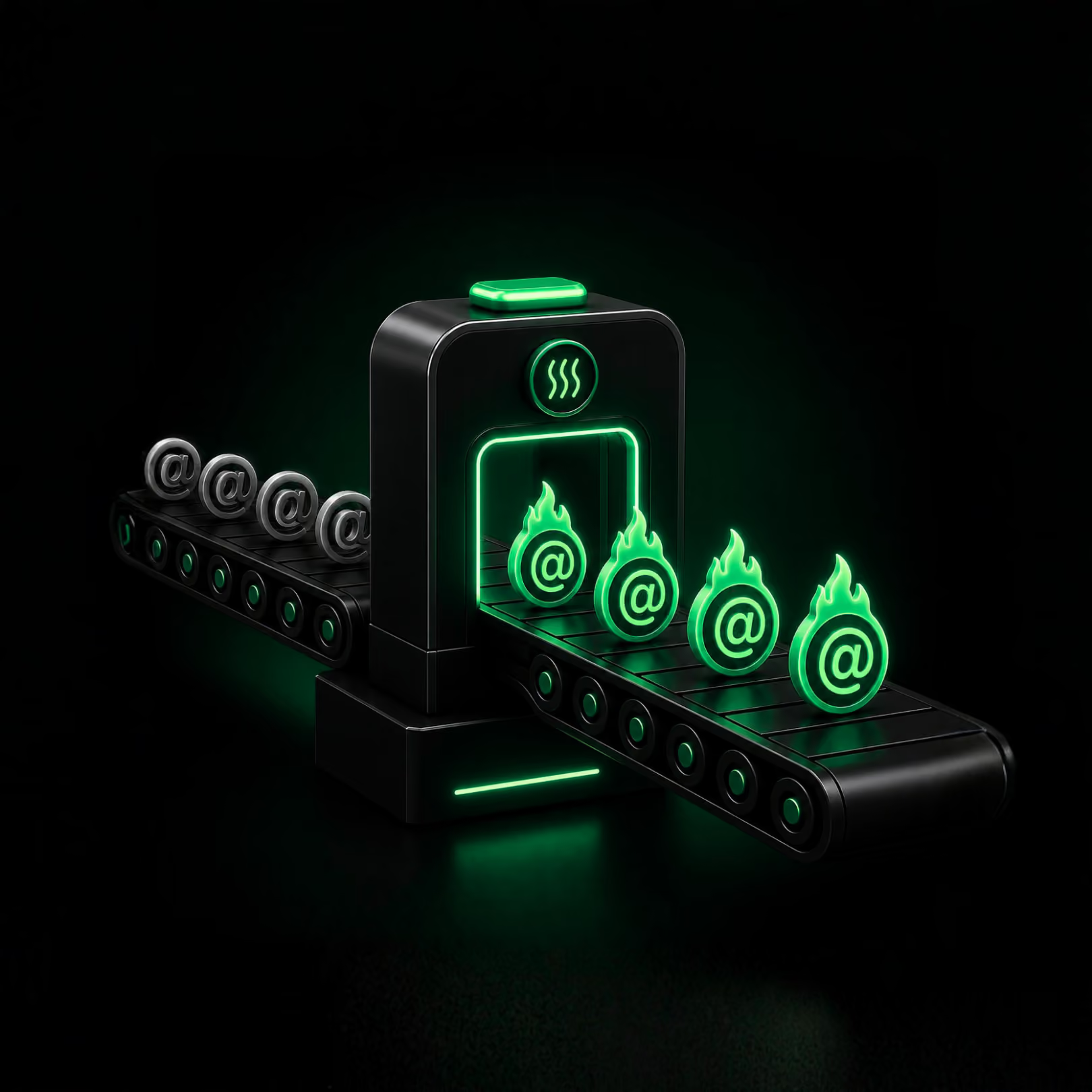
A domain can ramp slowly and still struggle if the list underneath is full of invalid, disposable, or risky contacts. Warm-up works best when cleaner data enters the process first.
Warm-up without clean data
A gradual ramp can still be undermined by invalid, disposable, unknown, and catch-all contacts. Warm-up improves sending consistency, but it cannot repair poor list quality by itself.
Free warm-up + verified contacts
Use the Warm-up Tool to establish a gradual, provider-friendly sending pattern based on your usual volume. Verify and segment contacts before campaigns scale, because list quality remains a separate part of deliverability.
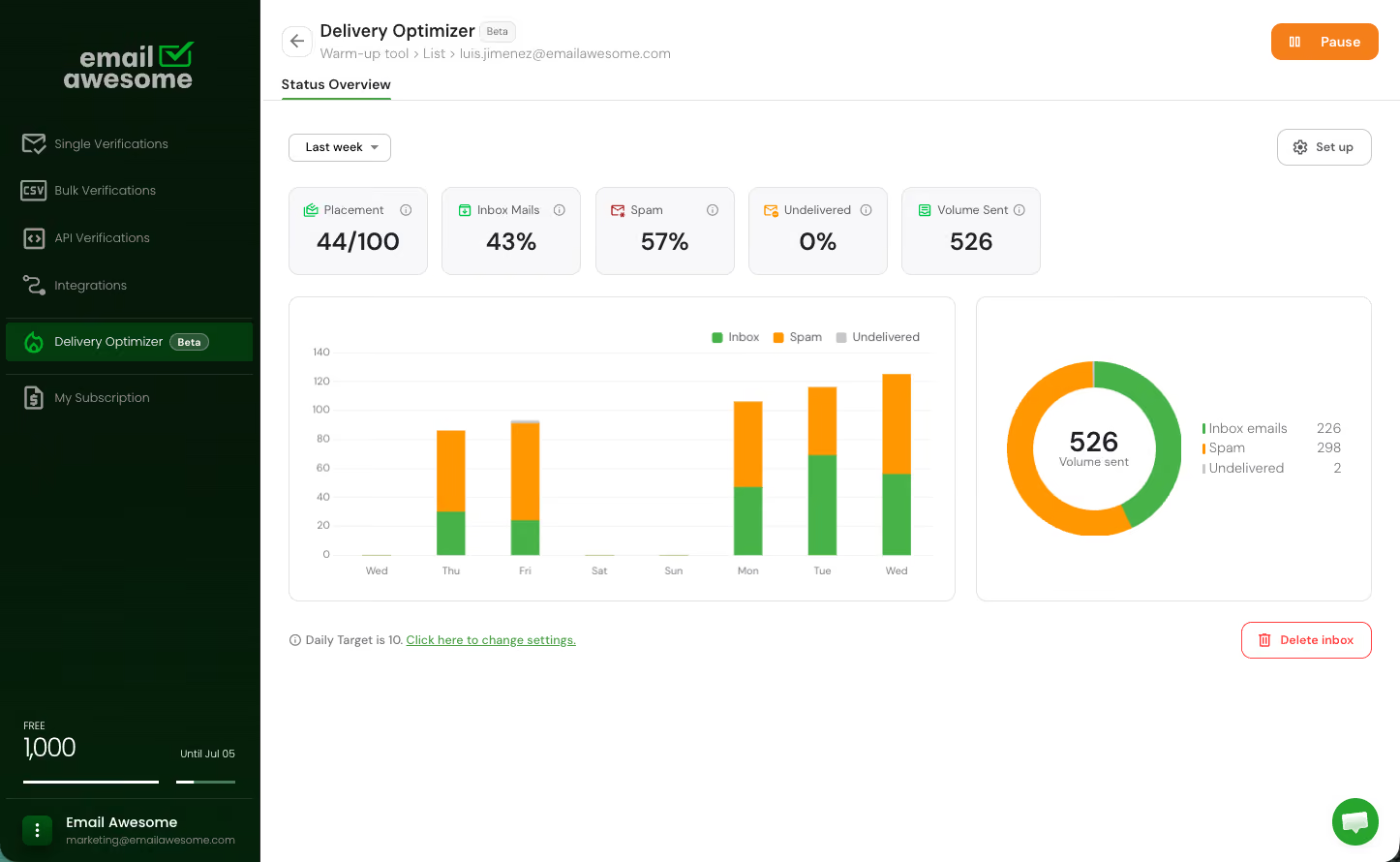

Verify contacts before new inboxes or domains start carrying more volume, so obvious list-quality problems are handled before the ramp begins.
Set your intended daily sending volume and use the recommended gradual ramp-up configuration. Cleaner inputs and responsible sending practices support a steadier foundation, without guaranteeing inbox placement.

We trim spaces, convert domains to lowercase and punycode, and reject malformed addresses, like missing @ symbols or invalid TLDs and other frequent mistakes.

Our system compares domains against popular providers (like gmail.com and outlook.com) to spot and fix subtle errors.

We block throwaway emails
We check addresses against an always-updated disposable email list and flag suspicious domains, like newly registered or “temp mail” providers.

Our system looks up mail server (MX) records and tests connections to ensure the domain can accept messages.

We identify domains that accept any email address (even fake ones), so you can avoid risky sends and hard bounces.
Separate invalid, disposable, unknown, and catch-all results before scaling, giving the team a clearer view of what should move forward.
The safest warm-up window is the one that does not start with dirty data. Email Awesome helps teams clean first, segment risk, and then support the sending setup more deliberately.
01
Check contacts before using them with new inboxes, new domains, or cold email programs preparing to increase volume.
02
Suppress invalids and review unknown, disposable, or catch-all contacts before they become part of the warm-up or sending plan.
03
Enter the maximum number of emails you plan to send per day. The Warm-up Tool uses that target to recommend a gradual, provider-friendly ramp-up.
%201.svg)
4.5
1,000 free monthly validations

Successful verifications
Successful verifications
Successful verifications
Successful verifications
Successful verifications
Successful verifications
Download the Cold Email Warm-Up Playbook to connect sender reputation, authentication, list quality, and volume gates into one operating rhythm before new domains or inboxes start scaling. It helps teams decide when to ramp, pause, review, or clean the list first.
Exclusive starter offer inside
Check the most Frequently Asked Questions
What is email warm-up?
How does Email Awesome's Warm-up Tool support email deliverability?
Does Email Awesome guarantee inbox placement?
Should I verify contacts before or after warm-up?
Accurate, fast and secure email verification service
Verify email lists instantly — reduce bounces, clean data, and protect your sender reputation.
Ask AI about Email Awesome